



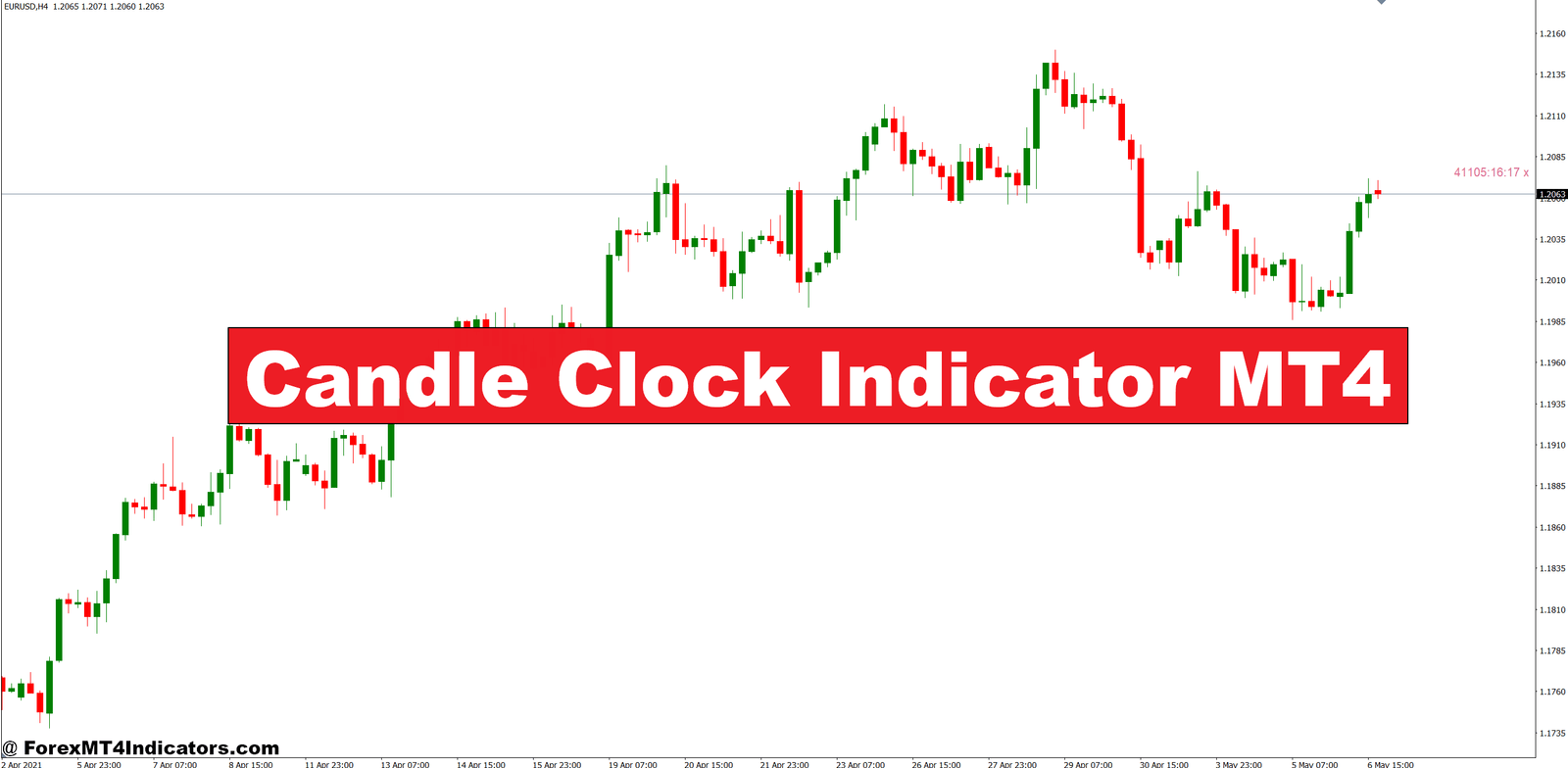
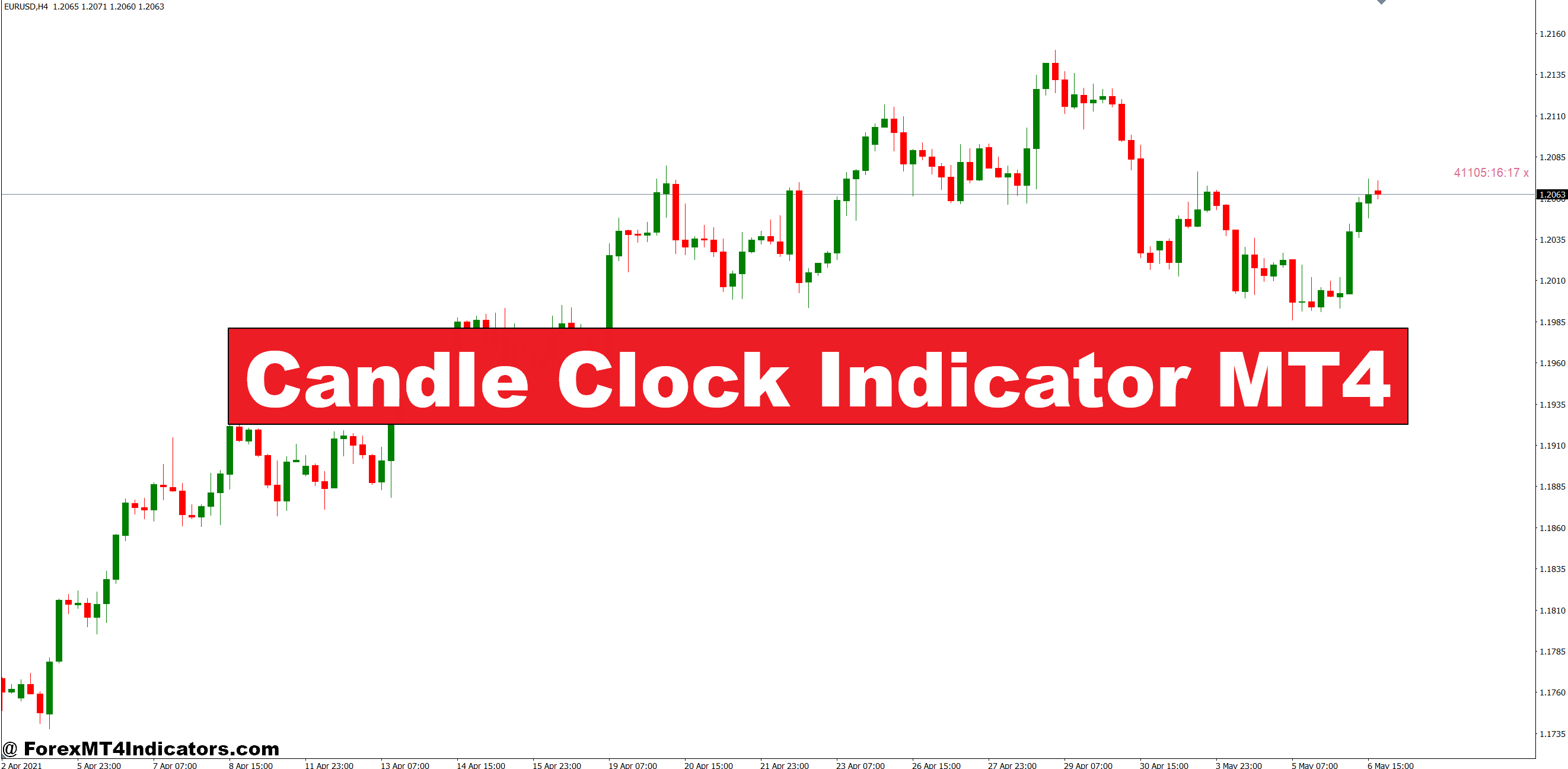
The Candle Clock Indicator MT4 addresses this specific timing challenge head-on. This simple yet effective tool displays the exact time remaining until the current candle closes, giving traders precise timing information for every timeframe they monitor.
What the Candle Clock Indicator Actually Does
The Candle Clock Indicator is a visual timing display that sits on MT4 charts and counts down the seconds until a new candle forms. Unlike complex oscillators or moving averages, this indicator serves one purpose: showing traders when the current price bar will complete. It typically appears as a digital timer in the corner of the chart, displaying hours, minutes, and seconds in a format like “00:14:32” for a 15-minute chart with 14 minutes and 32 seconds remaining.
Many traders confuse this with time-based indicators that predict future price movement. That’s not what this tool does. The Candle Clock simply provides timing information—nothing more, nothing less. It works across all timeframes, from 1-minute scalping charts to daily swing trading setups. The indicator doesn’t analyze price, volume, or market structure. It just answers one question: How much time is left?
The Technical Mechanics Behind the Display

The calculation behind a Candle Clock is straightforward. The indicator reads the current server time from MT4, identifies the chart timeframe, and calculates when the next candle will open based on those two variables. For instance, on a 1-hour chart, if the current candle opened at 14:00, the indicator knows the next candle starts at 15:00 and counts down from there.
Most versions update every second, ensuring traders see real-time information. Some advanced variants include features like color changes when specific time thresholds are reached—say, turning red when less than one minute remains. The code itself is relatively simple compared to other technical indicators, which is part of its reliability. Fewer moving parts mean fewer potential errors.
But here’s where it gets interesting for practical trading. The indicator accounts for MT4’s server time, not the trader’s local time. This matters because forex brokers operate on different time zones, and their server clocks determine when candles officially close. A trader in New York might see 3:15 PM on their computer, but their broker’s server (running on GMT+2) creates candles based on an entirely different time reference.
Real-World Trading Applications
For breakout traders, the Candle Clock becomes an essential timing mechanism. Consider a scenario on GBP/JPY during the London session. Price has been consolidating in a tight range on the 5-minute chart, testing a key resistance level at 188.50. The trader plans to enter a long position if price closes above this level. Without a Candle Clock, they’re guessing whether that bullish candle will actually close above resistance or if it’s just a temporary spike.
With the indicator showing 45 seconds remaining, the trader watches as price holds at 188.53. They see the countdown: 30 seconds… 20 seconds… 10 seconds. Price stays firm above the level, and they enter immediately after the candle closes, confirmed by the timer resetting to the full 5-minute period. This precise timing prevents false entries from wicks or last-second reversals that would have triggered a stop loss.
Scalpers use this tool differently. On 1-minute charts trading USD/JPY during Tokyo hours, a scalper might avoid entering any trade when less than 15 seconds remain on the current candle. They know from experience that those final seconds often bring volatility from automated trading systems and order clusters, creating erratic price movement. The Candle Clock acts as their “do not enter” warning system.
Swing traders monitoring multiple timeframes find value in the indicator too. Someone trading off 4-hour charts might have pending orders set up. Knowing exactly when that candle closes helps them decide whether to adjust stop losses or take partial profits before the next bar forms. When testing this approach on EUR/USD during the 2023 rate hike period, traders who managed positions around candle closes showed notably better risk-reward ratios than those who ignored timing entirely.
Customization Options for Different Trading Styles
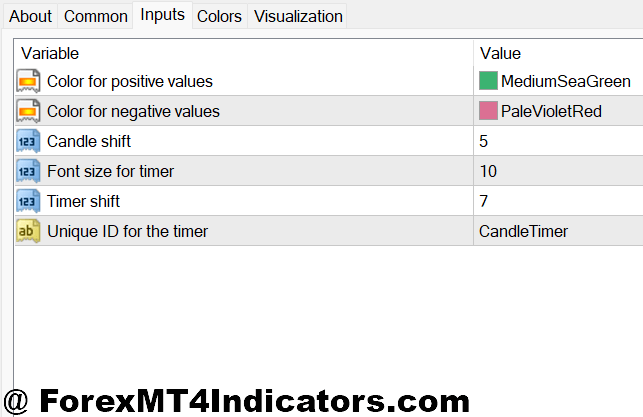
The basic Candle Clock settings are minimal—usually just position on screen (top-left, top-right, bottom-left, bottom-right) and color selection for visibility. But traders can customize the display to match their needs. Some versions allow font size adjustments, critical for those running multiple monitors or high-resolution displays where small text becomes unreadable.
The color coding feature proves useful. Setting the timer to display green when more than two minutes remain, yellow between one and two minutes, and red under one minute creates an intuitive visual warning system. A day trader juggling three charts can glance at the timers and instantly know which positions need immediate attention.
Timeframe-specific installations matter for traders who operate differently on various charts. A scalper might want the timer displayed prominently on their 1-minute chart but hidden on the 15-minute chart they use only for context. MT4 allows separate indicator installations per chart window, giving that flexibility.
One customization that experienced traders often overlook is the alert function available in some versions. The indicator can trigger audio or popup alerts at specific time intervals—say, 30 seconds before candle close. This lets traders step away from screens without missing critical closing periods.
Advantages That Make It Worth Using
The primary advantage is dead simple: no more guessing about timing. Traders eliminate a variable that causes countless premature or delayed entries. For strategies that rely on confirmed candle closes—pattern trading, breakout systems, trend following with specific entry rules—this indicator removes ambiguity.
It also reduces screen time stress. Without constant clock-watching, traders can focus on analysis rather than timing anxiety. The mental load decreases when a countdown handles that aspect automatically. Many traders report better decision-making because they’re not rushed or caught off guard by unexpected candle transitions.
The indicator consumes virtually no system resources. Unlike complex indicators that calculate dozens of variables and slow down MT4 performance, a Candle Clock runs efficiently even on older computers. Traders running eight or ten chart windows simultaneously won’t notice any lag.
Limitations and Honest Drawbacks
That said, the Candle Clock won’t improve bad trading strategies. It’s a timing tool, not a signal generator. Traders who lack a solid methodology will still make poor decisions—they’ll just make them with better timing information. This isn’t a standalone solution for profitability.
The indicator can create a false sense of precision. Market conditions don’t care about candle boundaries. A major news event can blow through support or resistance regardless of where a candle closes. Some traders become so focused on candle timing that they miss bigger picture market structure changes.
There’s also the risk of overtrading with short timeframes. Having precise timing on 1-minute charts might tempt traders to take more positions than their strategy warrants. The accessibility of timing information doesn’t mean every candle close presents a valid trading opportunity. Discipline still matters more than timing precision.
Server time discrepancies occasionally cause confusion. If a broker switches between standard time and daylight saving time, or if server maintenance causes time shifts, the indicator might display incorrect countdowns briefly. Experienced traders know to verify server time settings after any broker-side changes.
How It Compares to Other Timing Methods
Before Candle Clock indicators became common, traders relied on MT4’s built-in time display in the bottom toolbar. But that shows current time, not time remaining—requiring mental math to calculate when the next candle forms. For a 15-minute chart, this meant constantly checking the minutes column and subtracting. Not difficult, but definitely distracting.
Some traders used separate countdown timers or phone apps, which introduced disconnection from the actual chart. An external timer might count down correctly, but if the broker’s server experienced lag or a time adjustment, that external countdown became inaccurate. The Candle Clock ties directly to MT4’s time feed, ensuring synchronization.
Period separators—vertical lines that mark when new candles form—provide a visual but not predictive element. Traders can see where past candles closed but can’t anticipate the next close without calculating from timestamps. The Candle Clock offers that forward-looking precision.
Making the Most of This Simple Tool
Trading forex carries substantial risk, and no indicator—including timing tools—guarantees profits or prevents losses. The Candle Clock Indicator provides information, not trading decisions. Traders must still develop sound strategies, manage risk properly, and maintain discipline regardless of what any indicator displays.
For those who base entries or exits on confirmed candle closes, this indicator removes timing uncertainty. It’s particularly valuable for breakout traders, pattern-based strategies, and anyone who tracks multiple timeframes simultaneously. The tool won’t fix fundamental trading problems, but it will eliminate one specific source of mistimed entries that costs traders unnecessary losses.
The best approach? Test it on a demo account first. See if knowing exact timing information changes trading behavior or improves entry precision. Some traders find it indispensable; others decide the information doesn’t affect their particular strategy enough to matter. That’s a decision every trader makes based on their own methodology and experience.
Recommended MT4/MT5 Broker
XM Broker
- Free $50 To Start Trading Instantly! (Withdraw-able Profit)
- Deposit Bonus up to $5,000
- Unlimited Loyalty Program
- Award Winning Forex Broker
- Additional Exclusive Bonuses Throughout The Year
- Exclusive 90% VIP Cash Rebates for all Trades!


Already an XM client but missing out on cashback? Open New Real Account and Enter this Partner Code: VIP90
(Free MT4 Indicators Download)