


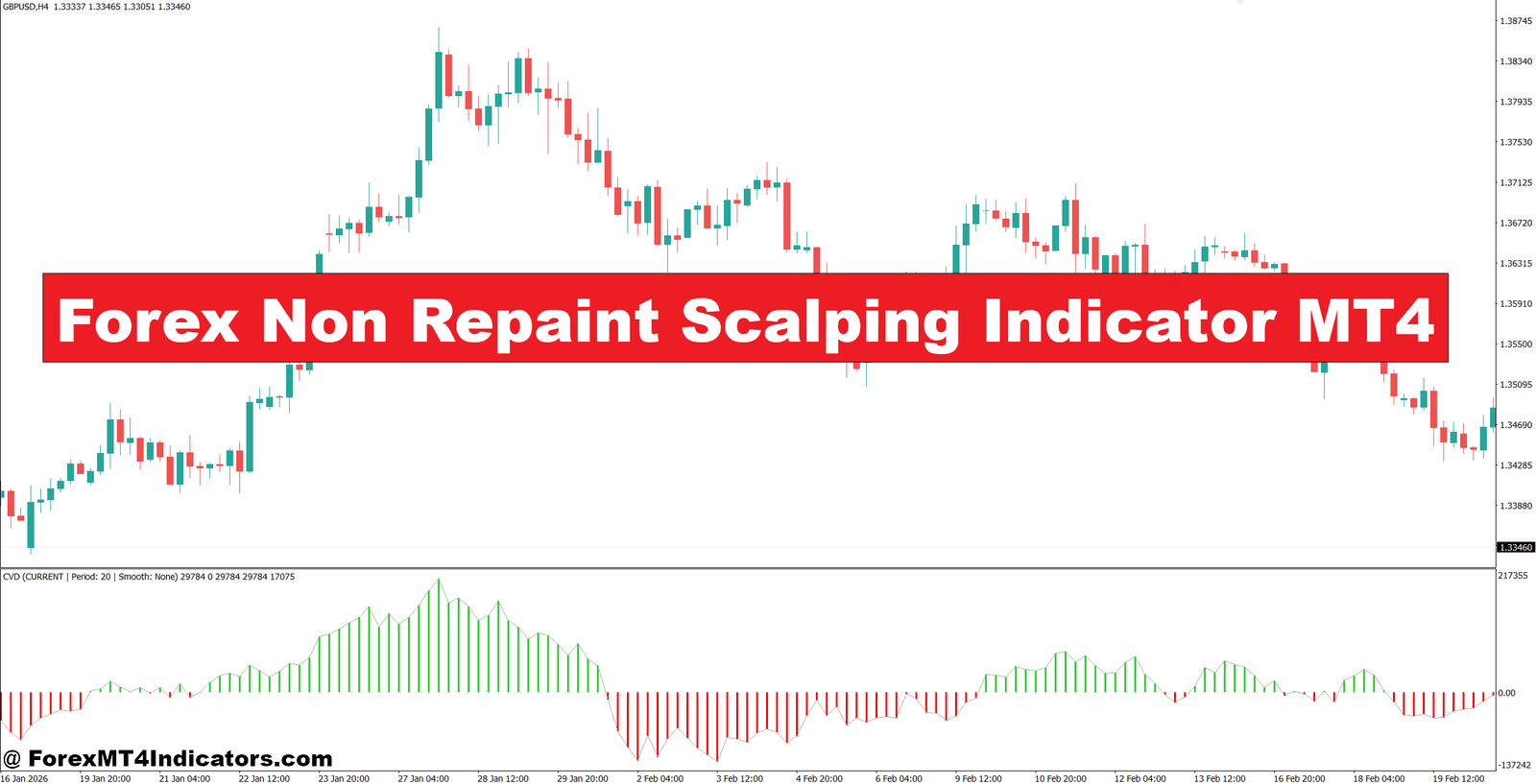
The Forex Non Repaint Scalping Indicator MT4 is designed for traders who want clearer entry signals while reducing one common problem: signals that shift after a candle closes.
That problem becomes expensive during volatile sessions. A few bad trades with 8–15 pip stops can quickly create a 30–50 pip drawdown, especially when a trader keeps entering every small reversal. The frustration gets worse when a historical chart looks perfect, but live trades behave differently.
A non-repainting approach can help by keeping confirmed signals fixed after the relevant candle closes. Still, it doesn’t predict the future or remove market risk. The real value comes from combining the indicator with price action, market structure, and sensible trade management.
What the Forex Non Repaint Scalping Indicator MT4 Does
The Forex Non Repaint Scalping Indicator MT4 is a technical analysis tool designed to identify potential short-term buying and selling opportunities on MetaTrader 4. Its main selling point is signal stability: once a signal becomes confirmed on a closed candle, it should remain at that historical location instead of moving backward as new price data arrives.
That distinction matters for scalpers. Some indicators use calculations that depend heavily on recent bars. A signal may look excellent while the candle is forming, then disappear or move when the next candle arrives. A properly configured non-repaint indicator avoids using future price information to alter confirmed historical signals.
The exact calculation depends on the particular version of the indicator. A typical setup may combine moving-average direction, momentum, recent highs and lows, volatility filters, and candle-close confirmation. For example, a bullish condition could require price to remain above a short-term trend filter while momentum turns positive. A bearish condition would apply the opposite logic.
Traders should still verify the actual source code or documentation before assuming a particular mathematical formula. The term “non repaint” describes signal behavior, not one universal calculation method.
How to Use the Indicator Without Chasing Every Signal

The strongest use case is confirmation rather than blind entry. A trader can first identify the market structure and then use the indicator to improve entry timing.
Consider EUR/USD on a 15-minute chart. Suppose price breaks above a previous resistance level near 1.0850 and closes at 1.0862. If the indicator produces a confirmed buy signal on the same candle, the setup has more context than an isolated arrow. A trader might wait for a small pullback toward 1.0855–1.0860 instead of buying immediately at the top of the breakout candle.
A reasonable scalp could use a 7–10 pip stop, depending on volatility, with a target around 12–20 pips. If the setup offers only 5 pips of potential profit before the next resistance level, the trade may not be worth taking.
The same principle applies to GBP/USD. On a 5-minute chart, suppose the pair has rejected 1.2740 twice and then prints a confirmed sell signal around 1.2732. A trader could wait for price to remain below 1.2735 before entering. A stop around 1.2745 would create roughly 10–13 pips of risk, while a first target near 1.2715 would provide a potential 17-pip move.
Here’s the thing: the indicator doesn’t know why price is moving. It simply reacts to its inputs. The trader still has to judge whether the setup makes sense.
Settings for M5, M15, and H1 Trading
Scalping settings should match the behavior of the pair and timeframe. Very sensitive settings may create frequent signals, but they can also produce more whipsaws during sideways markets.
For an M5 setup, traders can start with relatively responsive parameters and focus on liquid pairs such as EUR/USD, GBP/USD, or USD/JPY. A practical test range might involve a trend filter around 20–50 periods and a volatility-based stop between 5 and 10 pips. These numbers are starting points, not universal rules.
On M15, the trader can use slightly slower confirmation. A 20- or 50-period moving average can help identify the broader intraday direction, while the indicator handles entry timing. Stops around 8–15 pips may be more suitable when normal volatility is higher.
H1 trading requires a different mindset. A trader might use the indicator for confirmation after a support or resistance test, with stops around 15–30 pips depending on the pair. Signals on H1 tend to be less frequent than M5 signals, but they can have more meaningful market structure behind them.
Before changing settings, traders should test them on historical data and then forward-test them on a demo account. Optimization should not simply chase the highest historical win rate. A setting that produces 80% winners over one three-month period may fail badly when market conditions change.
Non-Repainting Indicator vs RSI, Moving Averages, and MACD
A non-repainting scalping indicator serves a different purpose from classic indicators such as RSI, moving averages, and MACD.
The 14-period RSI is useful for measuring momentum and identifying conditions where price has moved strongly. But an RSI reading above 70 does not automatically mean a short trade is valid. Strong trends can keep RSI elevated for extended periods.
Moving averages are excellent for trend direction. A trader might use the 20 EMA and 50 EMA together and only accept buy signals when the faster average remains above the slower one. The drawback is lag, especially during sharp reversals.
MACD can help confirm momentum changes, but its crossover may arrive after a short-term move has already started. A dedicated scalping indicator may provide a more direct visual entry signal, although that signal still requires confirmation.
A useful combination is simple: use market structure first, trend confirmation second, and the non-repainting signal third. If all three disagree, there is usually no reason to force the trade.
Where the Indicator Can Struggle
No indicator removes false signals. During low-volume Asian-session conditions, for example, EUR/USD can move only 10–20 pips for several hours and produce repeated signals inside a narrow range. Taking every arrow in that environment can lead to several small losses.
News is another problem. During NFP, CPI, or major central-bank announcements, spreads can widen and price can move 20–50 pips within seconds. A signal that appears technically valid may become irrelevant almost immediately.
This is also where traders sometimes misunderstand the word “non repaint.” A non-repainting indicator can keep its confirmed historical signals stable, but that doesn’t make those signals profitable. It only means traders have a more reliable record of what the indicator actually showed at the time.
A practical rule is to avoid entering solely because an arrow appears. Check the candle close, nearby support or resistance, spread, market session, and potential reward first. If the trade requires a 20-pip stop to pursue only 8 pips of profit, the setup is weak regardless of how attractive the signal looks.
Trading forex carries substantial risk. No indicator guarantees profits. Traders should risk only a small portion of their account on each position, and many scalpers keep risk near 0.5%–1% per trade. They should also test the indicator under different market conditions before using real money.
How to Trade with Forex Non Repaint Scalping Indicator MT4
Buy Entry

- Wait for a confirmed BUY signal – Enter only after the candle closes on M5 or M15; avoid acting on an unfinished signal.
- Confirm the uptrend – Prefer EUR/USD or GBP/USD when price stays above the 20 EMA and 50 EMA on M15 or H1.
- Check support – Look for a BUY signal near H1 support or a previous swing low, ideally after a 5–10 pip rejection.
- Use momentum confirmation – A 14-period RSI above 50 supports the BUY setup; avoid entries when RSI is below 45.
- Set a tight stop-loss – Use around 7–12 pips on M5/M15, placing the stop below the recent swing low.
- Target at least 1:1.5 – With a 10-pip stop, aim for 15–20 pips rather than closing too early.
- Limit account risk – Risk no more than 0.5%–1% of account equity per trade, especially during active London sessions.
- Skip weak signals – Don’t BUY when H4 or Daily resistance sits within 10–15 pips of the entry.
Sell Entry

- Wait for a confirmed SELL signal – Let the M5 or M15 candle close before entering to reduce false intrabar signals.
- Confirm the downtrend – Favor GBP/USD or EUR/USD when price remains below the 20 EMA and 50 EMA on M15 or H1.
- Sell near resistance – Look for a SELL signal around H1 resistance or a recent swing high with a 5–10 pip rejection.
- Check RSI weakness – A 14-period RSI below 50 supports the SELL setup; avoid shorts when RSI climbs above 55.
- Place the stop logically – Use roughly 7–12 pips on M5/M15, above the latest swing high.
- Aim for 15–20 pips – If risking 10 pips, target at least 15 pips for a 1:1.5 risk-reward ratio.
- Keep risk below 1% – Limit each position to 0.5%–1% of account equity and reduce size during high volatility.
- Avoid major news signals – Don’t SELL immediately before NFP, CPI, or central-bank decisions when spreads can expand sharply.
Final Takeaways
The Forex Non Repaint Scalping Indicator MT4 can be useful for traders who want stable historical signals and faster entry confirmation. Its best role is not to replace analysis, but to support it. First, identify market structure and important price levels. Second, check trend and momentum. Third, wait for a confirmed indicator signal instead of reacting to an unfinished candle. Finally, calculate the stop and target before entering.
A trader who follows those steps will usually get more value from the tool than someone who simply follows every arrow. The next practical step is to test it on M5, M15, and H1 using EUR/USD and GBP/USD, record at least 50–100 trades, and compare results across trending and ranging conditions.
Recommended MT4/MT5 Broker
XM Broker
- *FREE $50 To Start Trading Instantly! (Withdraw-able Profit)
- Deposit Bonus up to $5,000
- Unlimited Loyalty Program
- Award Winning Forex Broker
- Additional Exclusive Bonuses Throughout The Year

>> Sign Up for XM Broker Account here <<


