







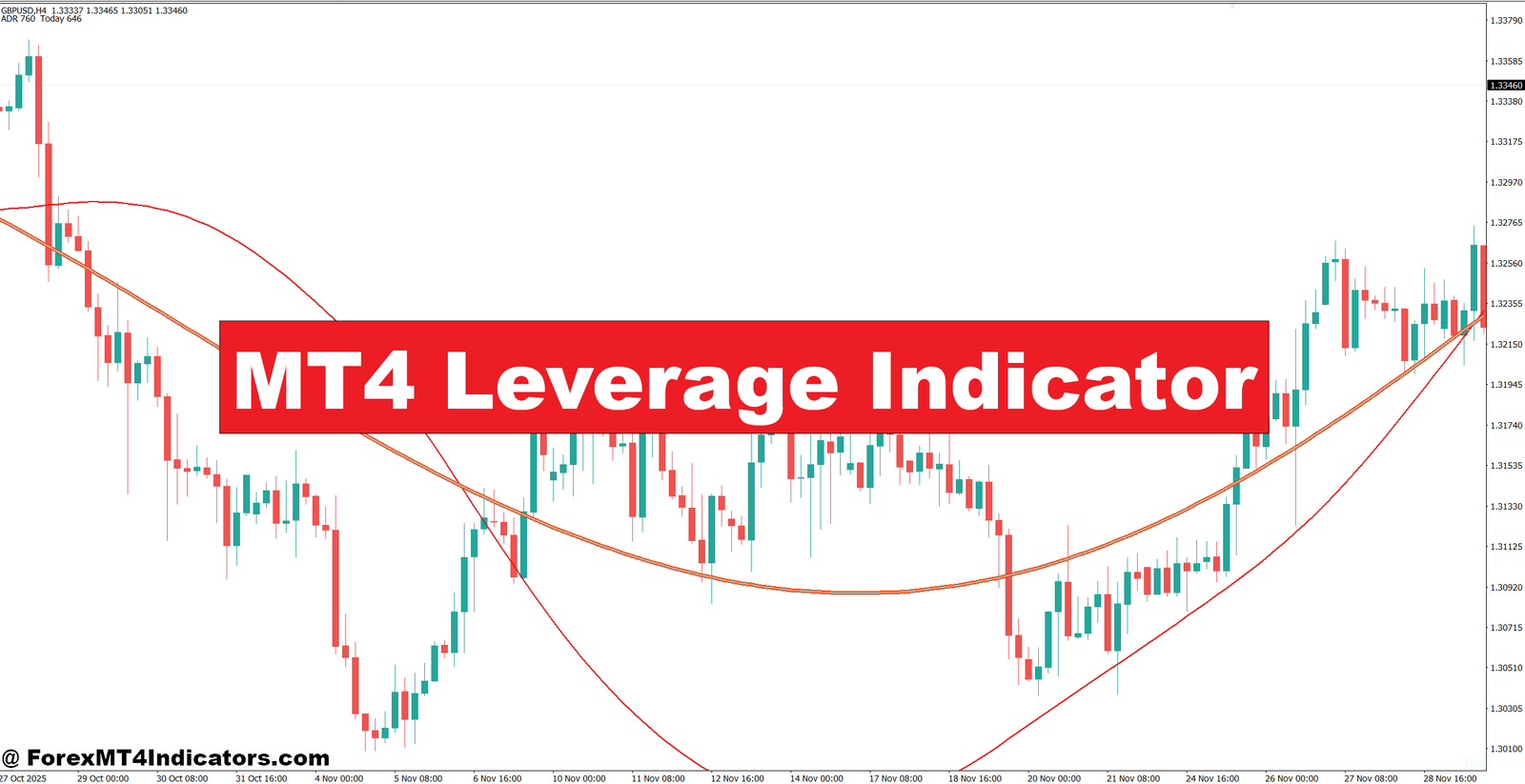
The MT4 Leverage Indicator is a trading utility designed to help traders monitor leverage-related information while working inside MetaTrader 4. Depending on the version, it may display account leverage, required margin, free margin, margin level, or the approximate exposure created by a selected position size.
This distinction matters. Broker leverage and trade risk are not the same thing.
Suppose a trader has a $5,000 account with 1:100 leverage. The broker may allow a much larger position than the trader should actually trade. A 1:100 ratio doesn’t mean the trader needs to risk 1% of the account on every trade. Position size should still come from the stop-loss distance and the amount the trader is willing to lose.
Many versions of leverage tools work with information supplied by the MT4 account and symbol specification. A simplified margin calculation for a forex position can be expressed as:
Required Margin ≈ Contract Size × Lots × Price ÷ Account Leverage
The exact calculation can vary by broker, currency conversion, symbol type, and contract specifications. That is why traders should treat the displayed figure as a practical reference and verify margin requirements with their broker.
How the Indicator Works in Real Trading
The main value of a leverage indicator appears before the order is placed. A trader can check how much margin a proposed position may consume instead of discovering the problem after entering the trade.
Consider EUR/USD trading around 1.1000. A trader with a $5,000 account wants to open 0.50 lots with a 40-pip stop-loss. At 1:100 leverage, the position may require roughly $550 in margin under a simplified calculation. The actual risk to the account, however, depends mainly on the stop-loss and pip value, not the leverage ratio itself.
For a 0.50-lot EUR/USD trade, a 40-pip stop could represent roughly $200 of price risk, assuming approximately $5 per pip. That is 4% of a $5,000 account, which is aggressive for a single trade.
The indicator can therefore expose a problem that isn’t obvious from the chart. The setup may look technically attractive, but the position size could be too large for the account.
Margin Level Matters Too
MT4 traders should also watch margin level when several positions are open. A trader might have five separate trades, each appearing manageable on its own. Together, they can consume a large portion of available margin.
For instance, a $10,000 account with several GBP/USD, EUR/USD, and XAU/USD positions can experience a sharp reduction in free margin during a volatile session. If the dollar strengthens suddenly or a major news release creates a large move, correlated positions may lose at the same time.
When testing leverage tools around volatile NFP sessions, traders should be especially careful. Spreads can widen, slippage can occur, and stop-loss execution may differ from the expected price.
Practical Settings for Different Trading Conditions

There isn’t one ideal setting for every trader. The useful configuration depends on the account size, broker leverage, trading instrument, and timeframe.
For EUR/USD and GBP/USD on the 1-hour chart, a trader might monitor positions between 0.10 and 0.50 lots on a $5,000 account. A scalper using the 5-minute chart may use smaller positions because several trades can accumulate exposure during a single session.
On the 4-hour chart, fewer trades may be taken, but stops are often wider. A 100-pip stop with 0.10 lots can produce similar monetary risk to a much tighter stop with a larger position. The indicator should therefore be combined with a fixed percentage risk model rather than used alone.
A practical approach is to set a maximum risk of around 0.5% to 1% per trade while testing a strategy. On a $5,000 account, that equals $25 to $50. If the technical setup requires a 50-pip stop and the trader wants to risk $50, the position size should be calculated around that risk instead of choosing the lot size first.
Traders should also check whether their broker offers 1:30, 1:50, 1:100, 1:200, or higher leverage. A higher ratio reduces the margin needed for a position, but it doesn’t reduce the amount lost when price reaches the stop-loss.
Advantages and Limitations
One major advantage is visibility. The trader can see the effect of a position before committing capital. That’s particularly useful for smaller accounts where margin can become tight quickly.
Another benefit is trade planning. Instead of asking, “How many lots can this account open?” traders can ask a better question: “How many lots can this account safely hold if the stop-loss is hit?”
That said, the indicator has clear limits. It doesn’t know whether EUR/USD will rise or fall. It can’t confirm support, resistance, market structure, or a trend reversal. It also can’t protect an account from poor discipline.
Broker conditions create another limitation. Margin requirements can differ between brokers and symbols. Gold, indices, cryptocurrencies, and other CFDs may use different contract specifications than major forex pairs. Traders should never assume that a margin figure from one broker will be identical at another.
And an indicator can become misleading if traders focus only on available leverage. Having enough margin to open a 2-lot position doesn’t mean opening 2 lots is sensible.
MT4 Leverage Indicator vs. Other Trading Tools
The biggest difference between a leverage indicator and traditional technical indicators is its purpose.
An RSI such as the 14-period RSI measures momentum and can help identify overbought or oversold conditions. A moving average helps traders assess trend direction. ATR measures volatility and can help determine whether a 20-pip stop is realistic for current market conditions.
The leverage indicator deals with account exposure instead.
A stronger trading process can combine all three areas. For example, EUR/USD may be above the 50-period moving average on the 1-hour chart, while RSI remains above 50 and ATR shows that the pair is moving roughly 70 pips per day. The technical picture may support a long setup. The leverage tool then helps determine whether the planned 0.30-lot position fits the account’s available margin and risk limits.
This separation is useful. Technical indicators help analyze the market. A leverage tool helps analyze the trade’s financial impact.
How to Trade with MT4 Leverage Indicator
Buy Entry

- Confirm bullish trend – Look for higher highs and higher lows on the 1-hour chart before considering a BUY.
- Check leverage exposure – Keep planned trade risk near 0.5%–1% of account equity, even when 1:100 leverage is available.
- Wait for support – Consider BUY entries near strong H1 support after a 15–30 pip bullish rejection.
- Use 20–50 pip stops – Place the stop below the recent swing low rather than choosing a stop only because margin allows it.
- Check margin level – Avoid a new BUY if the position would push margin usage above roughly 50%.
- Confirm on 4-hour chart – A bullish H4 structure can strengthen an EUR/USD or GBP/USD BUY setup.
- Target realistic moves – Aim for around 40–80 pips when market volatility supports the target.
- Skip weak setups – Don’t BUY during heavy chop or immediately before major news such as NFP.
Sell Entry

- Confirm bearish structure – Look for lower highs and lower lows on the 1-hour chart before entering SELL trades.
- Control position risk – Keep each SELL around 0.5%–1% account risk instead of increasing lots because of high leverage.
- Sell near resistance – Watch for bearish rejection around H1 resistance with a 15–30 pip reversal.
- Use 20–50 pip stops – Place the stop above the recent swing high and adjust the lot size accordingly.
- Monitor free margin – Avoid SELL entries when several open trades already consume 50% or more of available margin.
- Check H4 confirmation – A bearish 4-hour trend can add strength to GBP/USD or EUR/USD SELL setups.
- Set measured targets – Look for approximately 40–80 pips toward the next support zone.
- Avoid major-event entries – Don’t SELL immediately before CPI, NFP, or central-bank decisions when spreads can widen sharply.
Final Thoughts
The MT4 Leverage Indicator is most useful as a risk-control tool rather than a signal generator. Its practical value comes from showing traders how account leverage, margin, and position exposure interact before an order is opened.
- Check exposure before entry – A technically strong setup can still be poorly sized.
- Calculate risk from the stop-loss – Leverage doesn’t determine how much a trader should risk.
- Watch total margin usage – Several trades can create much more exposure than one position suggests.
- Combine it with technical analysis – Support, resistance, market structure, trend, and volatility still matter.
Used this way, the indicator can make MT4 trade planning more disciplined. Traders should test its readings on a demo account and compare them with their broker’s specifications before relying on them with real funds. Trading forex carries substantial risk. No indicator guarantees profits. The better question isn’t how much leverage an account can access, but how much exposure the trader can handle when the market moves the wrong way.
Level up your trading
Learn to read the chart — not just the indicator
eBook · Instant PDF
The Candlestick Playbook
Read and trade 40+ candlestick patterns — with exact entries, stops and exits.
Video Course · 12 modules
The Price Action Masterclass
Read clean charts the no-indicator way — pin bars, support & resistance, entries and exits.
Recommended MT4/MT5 Brokers
XM
- ✓ *FREE *$50 to start (withdrawable)
- ✓ Deposit bonus up to $5,000
- ✓ Negative balance protection
Trading forex and CFDs carries a significant risk of loss and is not suitable for everyone. Broker links are affiliate links — we may earn a commission at no cost to you.
Free MT4 Indicator Download


