




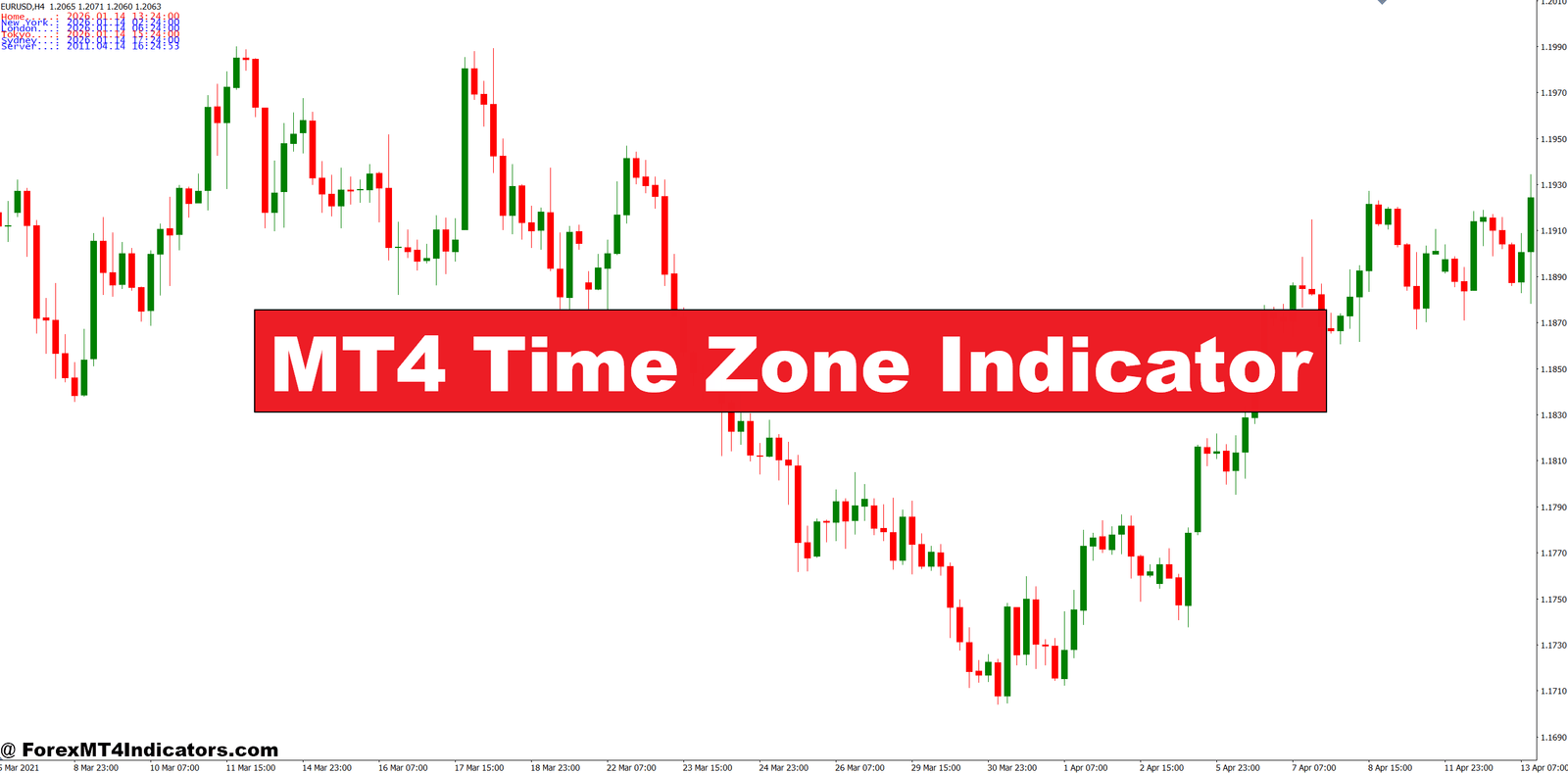
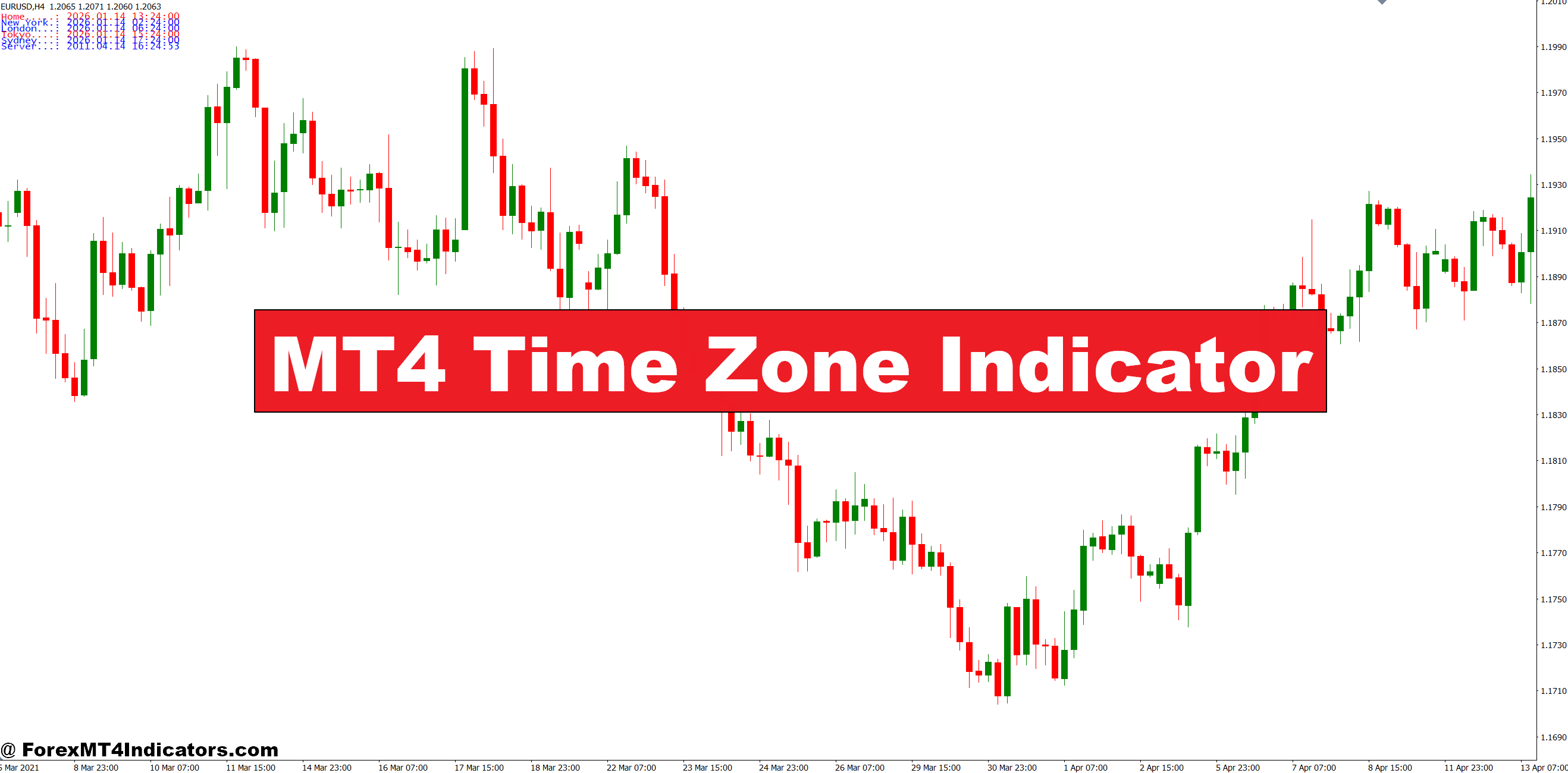
The MT4 Time Zone Indicator solves this problem by overlaying vertical lines on your chart that mark when major trading sessions begin and end. Instead of guessing whether you’re trading during Tokyo’s lunch break or New York’s opening rush, you’ll know exactly which session you’re in—and whether conditions favor your strategy.
What the MT4 Time Zone Indicator Actually Does
The MT4 Time Zone Indicator is a visual overlay tool that divides your price chart into segments representing different global trading sessions. It draws vertical lines at specific times corresponding to the opening and closing of major financial centers: Tokyo, London, and New York.
Unlike oscillators or moving averages that react to price, this indicator operates independently of market movements. It’s purely time-based. The lines appear at predetermined hours based on GMT offset, creating a framework that helps traders identify when specific market participants are active. Some versions include shaded boxes or background colors to highlight session periods, making it even easier to spot session transitions at a glance.
What sets this apart from simply looking at your MT4 clock is the visual context. When you see price behavior relative to session markers, patterns emerge. That breakout that failed? It happened 30 minutes before London close when participants were squaring positions. That strong trend? It started right at New York open when volume surged.
The Technical Setup and Logic
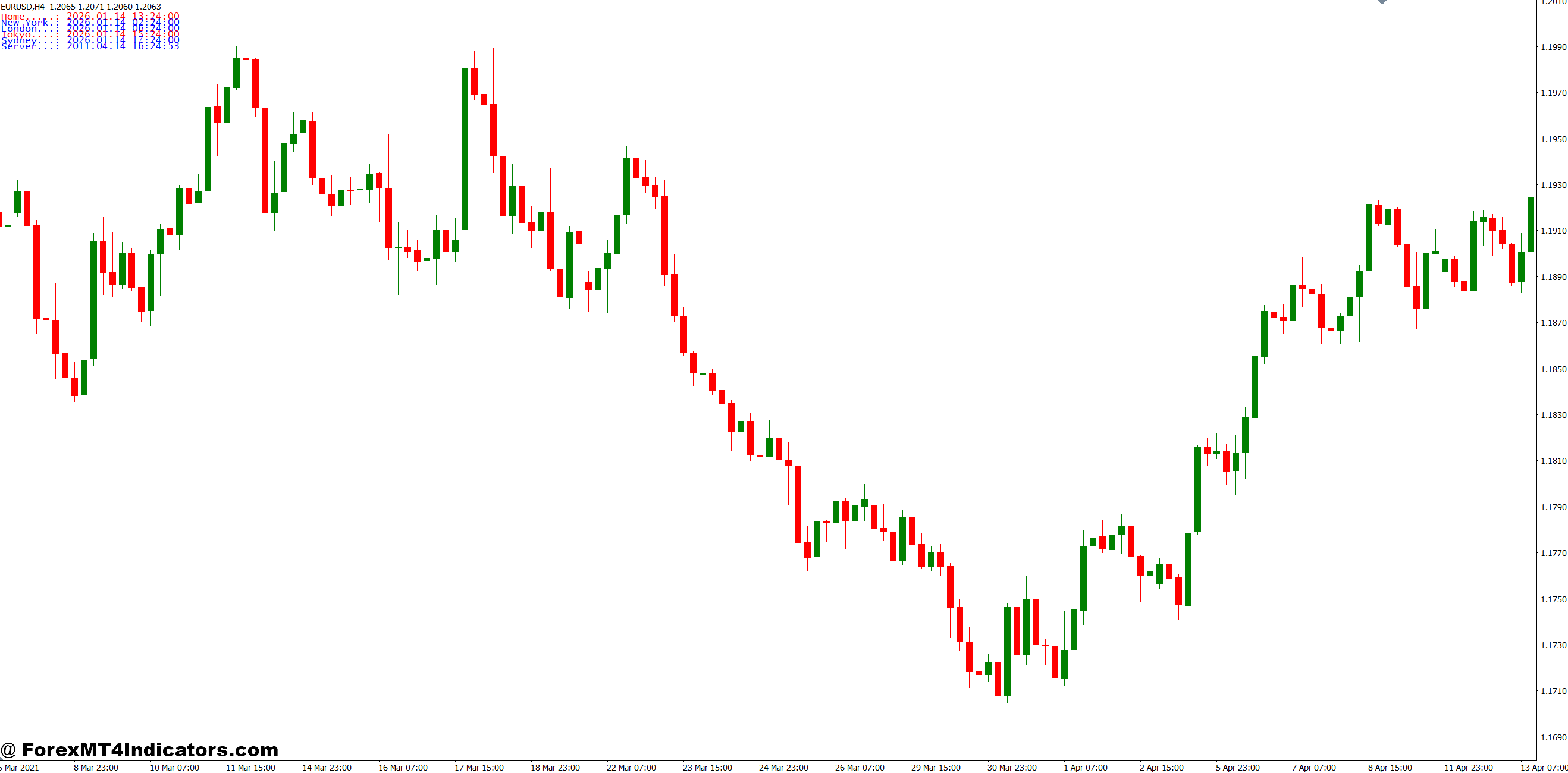
The indicator calculates display times using GMT offset parameters. Here’s how it works: You input the GMT offset for each session you want to track. For London, that’s typically GMT+0 (or GMT+1 during British Summer Time). New York runs at GMT-5 (GMT-4 during daylight saving). Tokyo operates at GMT+9.
When you attach the indicator to a chart, it scans through your historical data and identifies every instance where the time equals your specified session start time. At each occurrence, it draws a vertical line. The process repeats for session close times.
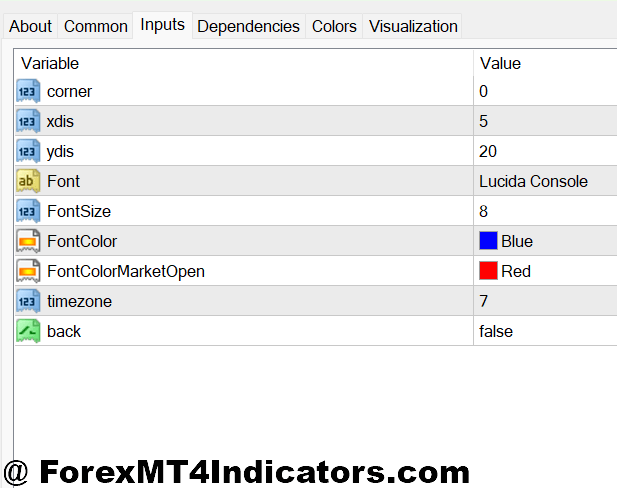
Most versions let you customize:
- Line colors for each session (blue for London, red for New York, green for Tokyo)
- Line styles (solid, dashed, dotted)
- GMT offset adjustments (crucial for daylight saving changes)
- Whether to display labels showing session names
- Line thickness and transparency
The calculation is straightforward, but the implementation matters. Quality indicators account for weekend gaps and adjust automatically when your broker’s server time changes. Cheaper versions might draw lines in the wrong places if you don’t manually update offsets.
Practical Trading Applications
The real value emerges when you combine session awareness with your existing strategy. Take EUR/USD on the 15-minute chart. During the Asian session (roughly 23:00-08:00 GMT), this pair typically ranges within 20-30 pips. Breakout traders who don’t recognize this pattern get chopped up by false breakouts. But watch what happens at London open (08:00 GMT): The indicator line appears, and suddenly price expands 50-70 pips in the first hour.
Experienced traders use these markers to time entries. If you’re a breakout trader, you wait for the London or New York session line to appear before taking setups. The increased volume during these sessions means breakouts have better follow-through. Conversely, range traders look for the quieter Asian session boxes to fade extremes.
Here’s a specific example: GBP/JPY often makes sharp moves during the London-New York overlap (12:00-16:00 GMT). A trader might wait for price to test a key level during this window, knowing that if a breakout occurs, there’s sufficient volume to push it through. The same level tested during Tokyo hours? Probably a fake-out.
Session markers also help with stop-loss placement. That said, placing stops just inside session boundaries can be risky—smart money knows traders do this and might hunt those stops before the real move.
Settings Configuration for Different Trading Styles
Scalpers working 1-minute to 5-minute charts need precise session markers. They’ll typically enable all three major sessions with distinct colors and add labels. The visual clutter is worth it because they’re trading session-specific volatility patterns.
Day traders on 15-minute or 1-hour charts might simplify. Many display only London and New York sessions since those account for 70% of daily forex volume. They’ll use subtle line colors or semi-transparent background boxes to avoid chart clutter while maintaining session awareness.
Swing traders face different needs. On 4-hour or daily charts, individual session markers become noise. These traders might configure the indicator to show only weekly dividers or use it solely on lower timeframes for entry timing while maintaining positions across multiple sessions.
GMT offset adjustment deserves attention. When daylight saving time kicks in (March and November for most Western countries), you’ll need to manually shift offsets by one hour. London goes from GMT+0 to GMT+1, New York from GMT-5 to GMT-4. Miss this adjustment, and your session lines appear an hour off—right when you’re wondering why the “London open breakout” happened at 07:00 instead of 08:00.
Advantages and Honest Limitations
The primary advantage is simplicity. You’re not calculating anything or interpreting signals—you’re just marking time. This makes the indicator valuable as a complementary tool rather than a standalone system. Pair it with support and resistance levels, and you’ve got a framework: trade breakouts during high-volume sessions, fade extremes during low-volume periods.
It also forces discipline. Traders often make their worst mistakes during boredom. Seeing that you’re in the Asian session might stop you from forcing trades when conditions don’t suit your strategy.
But here’s the limitation nobody mentions in promotional material: Sessions don’t guarantee anything. Yes, London open typically brings volatility. But on days with no major news and light volume (think August or late December), even London can trade like a morgue. The indicator shows when sessions occur—it doesn’t measure actual volume or volatility.
Another drawback is the manual maintenance. Every daylight saving change requires adjustment. Forget to update, and you’re making decisions based on incorrect session timing. Some traders solve this by subscribing to indicators that auto-adjust, but that means ongoing costs.
The indicator also can’t account for one-off events. When the ECB announces policy at 12:45 GMT (during London-New York overlap), that dominates price action regardless of typical session characteristics. Blindly trading session patterns without checking the economic calendar is asking for trouble.
How It Compares to Alternative Approaches
Some traders skip dedicated indicators and use MT4’s built-in vertical line tool to manually mark sessions. This works but requires daily setup and doesn’t persist across timeframes. The advantage? Complete customization and zero indicator load on your charts.
Broker time indicators are another option—they display broker server time on your chart. While useful, they require mental calculation to determine which session you’re in. The time zone indicator eliminates that step.
More advanced alternatives include volume-based session indicators that shade high-volume periods rather than relying on fixed times. These adapt to actual market conditions but cost more and require interpretation. The simple time zone indicator’s strength is its objectivity—08:00 GMT is London open whether you like it or not.
Making the Time Zone Indicator Work for You
The MT4 Time Zone Indicator won’t make you a profitable trader by itself. It’s a clock with fancy lines. But combined with sound strategy, it becomes a timing mechanism that keeps you trading when conditions align with your edge.
Start by tracking how your existing trades perform during different sessions. You might discover your breakout strategy works beautifully during London but fails during New York. Or that your EUR/USD range trading only succeeds during Tokyo hours. The indicator makes this analysis visual and immediate.
Configure it based on your style, adjust for daylight saving religiously, and remember that session timing is just one variable among many. Price action, news events, and overall market sentiment can override typical session behavior. Trading forex carries substantial risk. No indicator guarantees profits, and session-based trading still requires solid risk management and realistic expectations.
The real question isn’t whether this indicator works—it’s whether you’re disciplined enough to use the information it provides. Time zones don’t change. Your ability to wait for the right session does.
Recommended MT4/MT5 Broker
XM Broker
- Free $50 To Start Trading Instantly! (Withdraw-able Profit)
- Deposit Bonus up to $5,000
- Unlimited Loyalty Program
- Award Winning Forex Broker
- Additional Exclusive Bonuses Throughout The Year
- Exclusive 90% VIP Cash Rebates for all Trades!


Already an XM client but missing out on cashback? Open New Real Account and Enter this Partner Code: VIP90
(Free MT4 Indicators Download)