




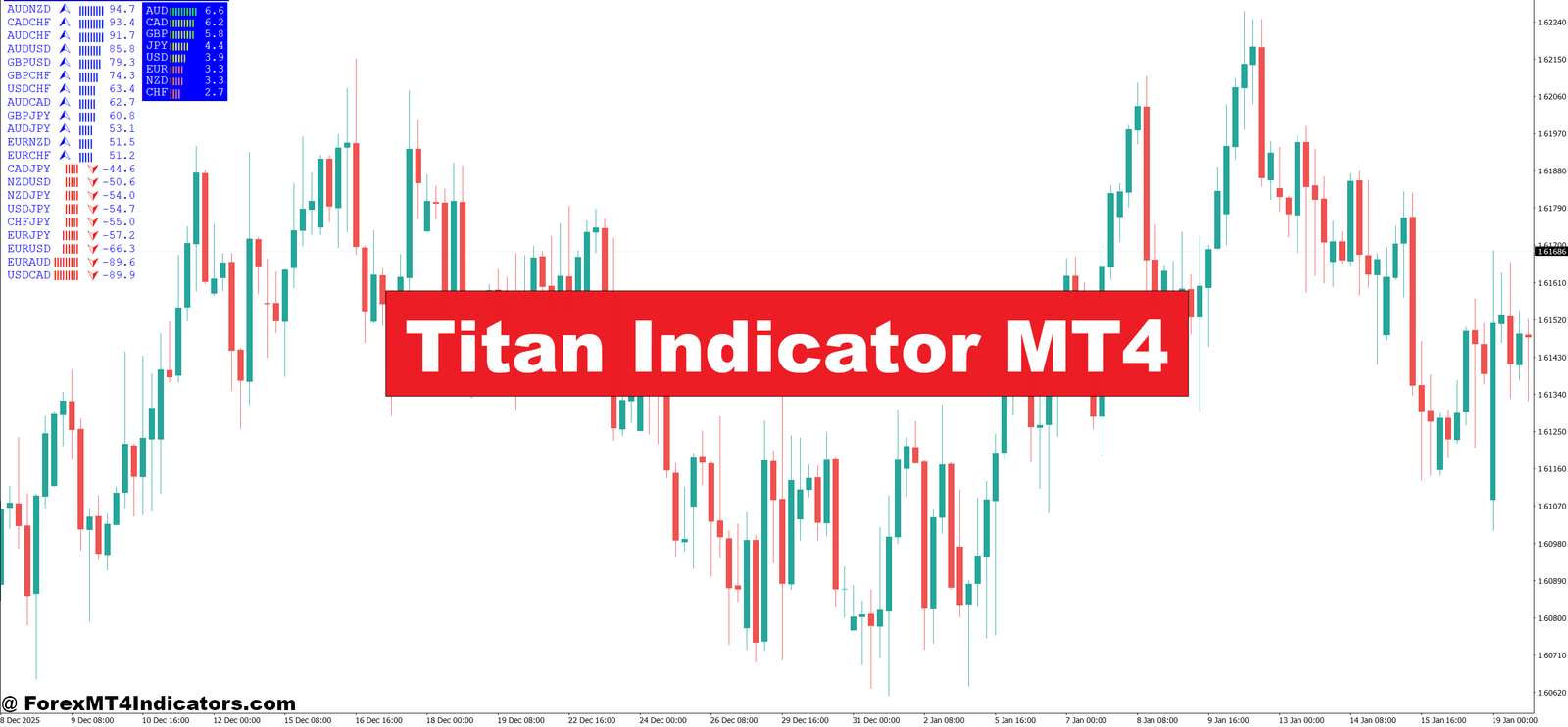
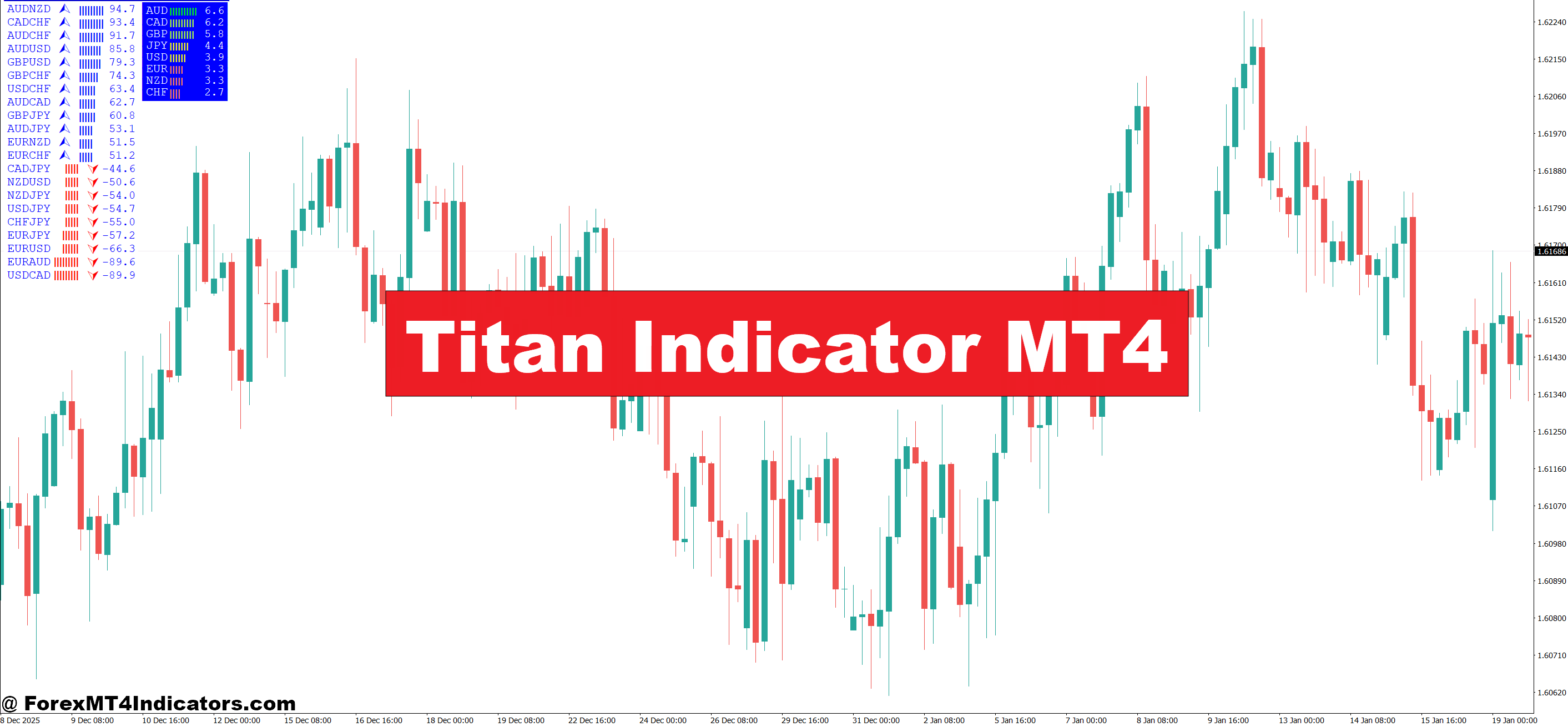
The Titan Indicator MT4 is a custom technical analysis tool built for the MetaTrader 4 platform. Traders use it to identify trend direction, potential entry points, and momentum strength. Unlike single oscillators, it combines multiple calculations into one visual output, usually plotted directly on the chart.
At its core, the indicator acts as a trend confirmation tool. It doesn’t try to predict tops or bottoms. Instead, it helps traders stay on the right side of the market once a move has started. Many traders use it alongside price action, support and resistance, or simple moving averages.
Compared to common indicators like MACD or RSI, Titan tends to be more directional. RSI might show overbought while price keeps pushing higher. Titan is designed to keep traders in that move until momentum clearly fades. That’s useful during strong sessions like London or New York when trends can extend further than expected.
How the Indicator Works in Practice
The Titan Indicator MT4 blends trend and momentum logic. While exact formulas vary by version, most setups rely on smoothed price data, moving average relationships, and momentum filters. The goal is to reduce lag without reacting to every small retracement.
Signals usually appear as color changes, arrows, or histogram shifts. For example, a bullish signal may appear when short-term momentum aligns with the broader trend. A bearish signal shows when downside pressure takes control. Traders often wait for candle close to confirm signals, especially on higher timeframes.
Here’s a practical example. On EUR/USD, 1-hour chart, price breaks above a prior resistance zone around 1.0850. The Titan indicator shifts to bullish after the breakout candle closes. A trader enters on a small pullback near 1.0860 with a stop below the structure low. The trade runs for 45 pips before momentum weakens and the indicator shifts neutral.
When testing this during volatile NFP days, many traders notice fewer signals. That’s not a bug. High-impact news creates erratic price spikes that most indicators struggle with. Titan tends to stay flat or delayed in those moments, which can actually protect traders from chasing news candles.
Practical Trading Applications and Scenarios

Traders apply the Titan Indicator MT4 in several ways, depending on style. Swing traders often use it on the 4-hour or daily charts. Day traders lean toward the 15-minute or 1-hour charts during active sessions.
On GBP/JPY, 15-minute chart, a trader might wait for London open. Price breaks out of Asian range, and Titan flips bullish after two strong candles. Entry comes on a minor pullback. Stops stay tight, maybe 20 pips, because volatility is high. The move extends 60 pips before slowing.
Some traders use Titan as a filter rather than a trigger. They only take buy setups from price action when the indicator stays bullish. That helps avoid counter-trend trades in strong markets. In choppy conditions, Titan often switches states frequently, which is a signal to reduce size or stay flat.
But no indicator replaces judgment. During low-liquidity periods, such as late New York session, signals can lose quality. Experienced traders know when not to trade, and Titan works best when combined with session awareness.
Settings, Customization, and Timeframes
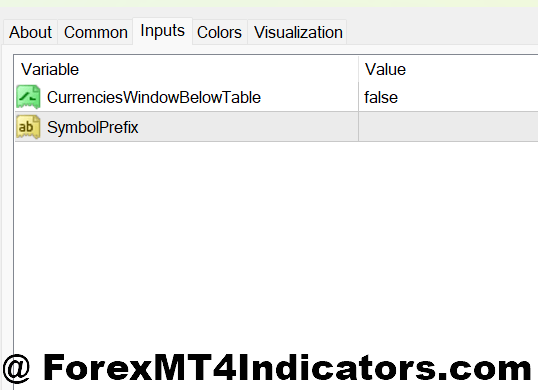
Most versions of the Titan Indicator MT4 allow parameter adjustments. Common settings include sensitivity, smoothing period, and signal confirmation strength. Lower sensitivity creates fewer signals and suits higher timeframes. Higher sensitivity reacts faster but increases noise.
For example, on EUR/USD daily chart, traders might use a slower setting to capture multi-day trends. On USD/JPY 5-minute chart, faster settings help catch intraday momentum, but stops must be tighter to manage risk.
Customization also depends on the pair. Volatile pairs like GBP/NZD or XAUUSD often require smoother settings. Tight-range pairs can handle quicker responses. Traders should backtest settings on at least 200 historical candles before using real money.
A small tip from experience: avoid changing settings mid-trade. It’s tempting when price pulls back, but it leads to emotional decisions. Pick settings during calm analysis, not during live pressure.
Advantages, Limitations, and Comparisons
The main advantage of the Titan Indicator MT4 is clarity. It simplifies trend assessment and reduces conflicting signals. Traders who struggle with indicator overload often appreciate a single visual guide.
Another benefit is flexibility. It works across timeframes and pairs when settings match conditions. Compared to MACD, Titan reacts faster in strong trends. Compared to RSI, it stays directional instead of fading moves too early.
That said, limitations matter. In sideways markets, signals can flip back and forth. This creates small losses if traders force entries. Titan also doesn’t define stop-loss or take-profit levels. Risk management still rests on the trader.
When compared to popular trend tools like SuperTrend, Titan often feels smoother but slightly slower. SuperTrend reacts quickly but can whipsaw. Titan filters more but may enter later. Neither is better in all conditions.
Trading forex carries substantial risk. No indicator guarantees profits. Losses are part of trading, even with solid tools and discipline.
How to Trade with Titan Indicator MT4
Buy Entry
- Confirm bullish Titan color on candle close – Enter only after the 1-hour or 4-hour candle closes bullish; this avoids fake-outs common during mid-candle spikes on pairs like EUR/USD.
- Align with higher timeframe trend – Check the daily chart first; if Titan stays bullish there, buy signals on the 1-hour chart have better follow-through.
- Buy after a pullback, not the breakout – Wait for a 10–20 pip retracement after the initial signal on GBP/USD to reduce chasing extended moves.
- Place stop-loss below recent structure – Set stops 15–30 pips below the last higher low to protect against normal pullbacks.
- Target at least 1:2 risk-to-reward – If risking 20 pips, aim for 40 pips or more, especially during London or New York sessions.
- Avoid signals during low-liquidity hours – Skip buys late in the New York session when momentum dries up and spreads widen.
- Reduce position size during news days – On NFP or CPI days, cut risk by 50% even if Titan stays bullish.
Sell Entry
- Wait for bearish Titan confirmation – Sell only after a full candle close turns bearish on the 1-hour or 4-hour chart to avoid early entries.
- Trade in line with daily resistance – Sell signals near clear resistance zones on EUR/USD often hold better than mid-range setups.
- Enter after a weak pullback – Look for price to retrace 10–15 pips into prior support-turned-resistance before selling.
- Set stop-loss above the swing high – Place stops 20–35 pips above the last lower high to allow breathing room.
- Take partial profits early – Lock in 30–40 pips on volatile pairs like GBP/USD, then trail the rest if momentum holds.
- Skip trades in choppy ranges – If Titan flips colors repeatedly within 15–20 candles, stay out; that’s classic chop.
- Avoid selling into major news – Strong bearish signals often fail during rate decisions or surprise data releases.
Closing Thoughts
The Titan Indicator MT4 offers traders a structured way to read trend and momentum without cluttering the chart. It doesn’t promise perfect entries, but it helps answer whether a move has strength behind it. Key takeaways stand out clearly: it works best in trending conditions, it needs proper settings per timeframe, and it performs better when paired with price structure. Traders who treat it as a filter rather than a signal generator often see steadier results. Used with patience and risk control, the indicator can support more confident decisions. The next step is simple but critical: test it in a demo environment, across real market conditions, before trusting it with live capital.
Recommended MT4/MT5 Broker
XM Broker
- Free $50 To Start Trading Instantly! (Withdraw-able Profit)
- Deposit Bonus up to $5,000
- Unlimited Loyalty Program
- Award Winning Forex Broker
- Additional Exclusive Bonuses Throughout The Year
- Exclusive 90% VIP Cash Rebates for all Trades!


Already an XM client but missing out on cashback? Open New Real Account and Enter this Partner Code: VIP90
(Free MT4 Indicators Download)